


wibutler Smart Home App
all devices. one app. full control.

The Smart Home app is the central control and operating interface for your digital building technology. Over 40 leading manufacturers – with more than 350 compatible devices – united in one intuitive platform. Whether lighting, heating, PV system or wallbox: control your entire home with the app – conveniently, securely and energy-efficiently.
And the best part? With the wibutler app, you can not only control your entire smart home at any time, but also connect and automate it – easily and efficiently.
App Structure
everything at a glance. clearly structured.
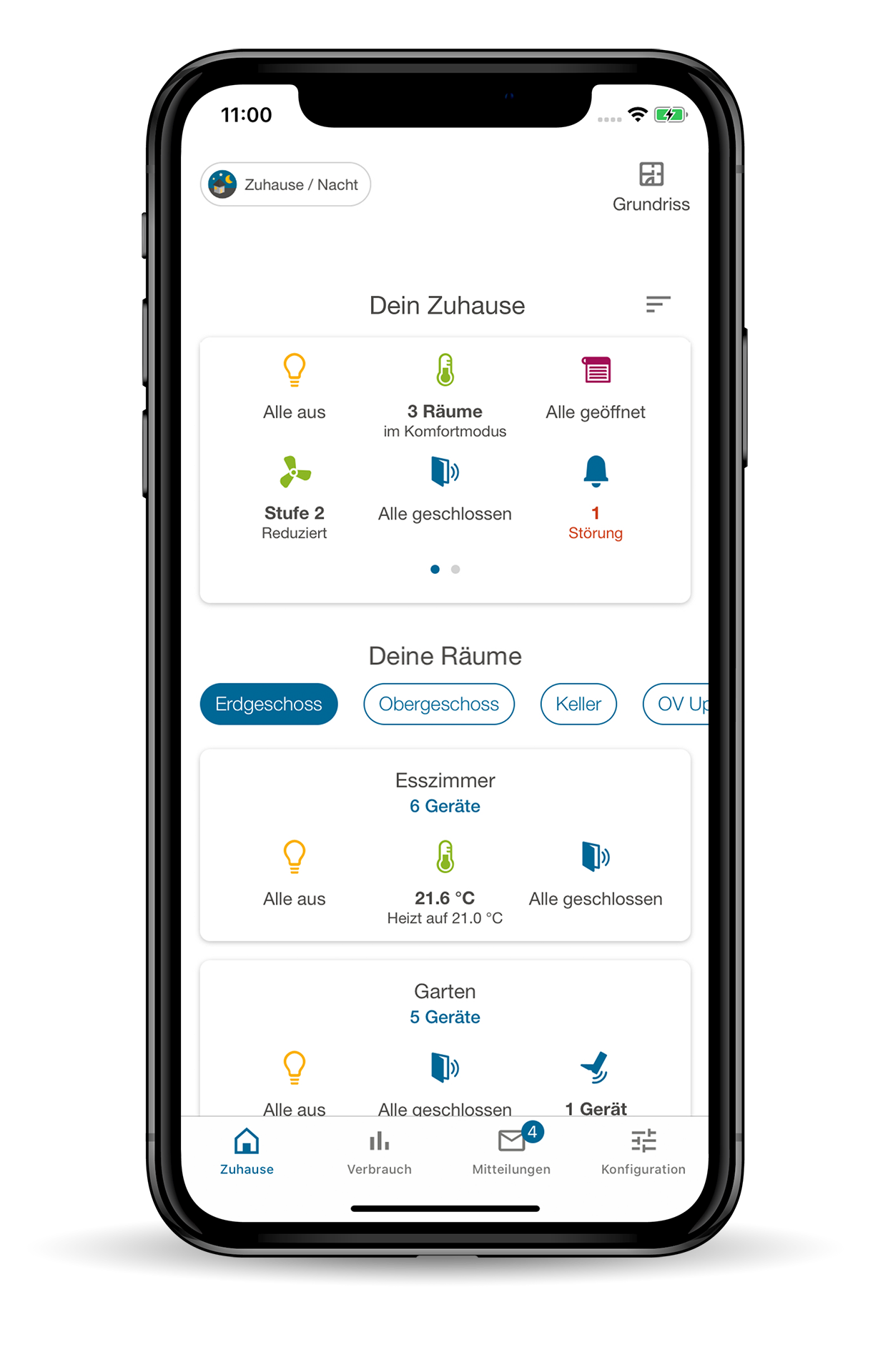
At home:Your personal dashboard. Control device groups by house or room, floor plan - see everything at a glance and operate with just a few clicks. Even when you're on the move, of course.
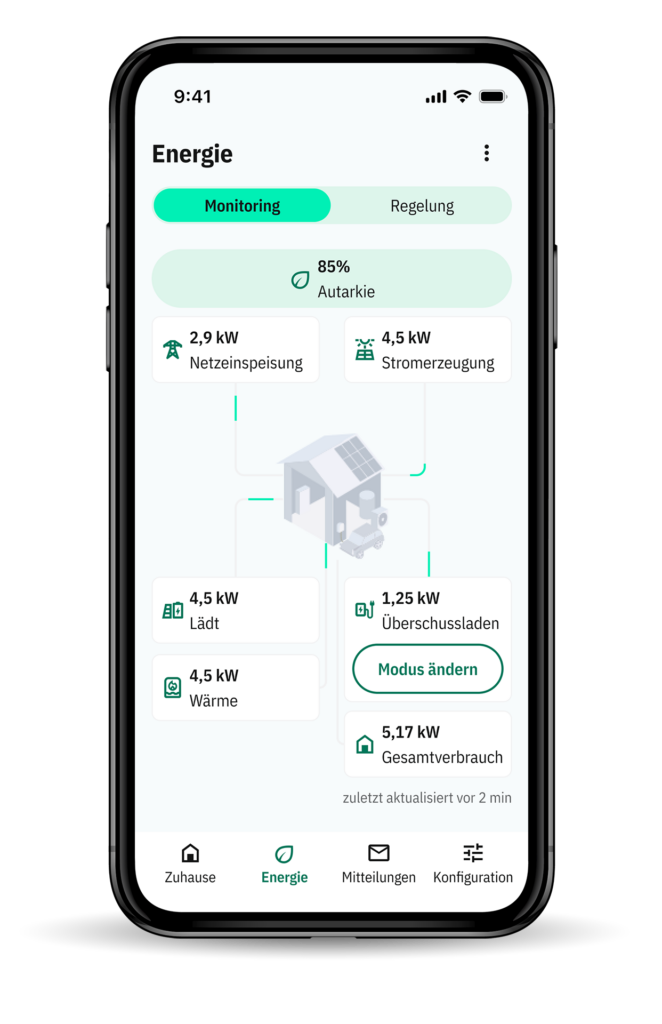
Energy: The new energy cockpit brings electrical and thermal energy flows together. You can see live how much energy you consume, generate or store - and how independent your home really is. Your PV surplus can be used specifically for heating or electric cars.
Messages: Better safe than sorry. Faults or alerts are sent directly to your smartphone. So you always stay informed.
Configuration: Add new devices or set up rules – with easy step-by-step guidance. No coding. No complexity. All settings for the wibutler pro are just a few taps away in the app.
energy cockpit: Efficient control & self-sufficient living.
full transparency. efficient Automation.
Our Energy Cockpit combines monitoring and automation - for maximum self-sufficiency and efficiency. In particular, both electrical and thermal energy flows are analysed and auotmated together.
You see in real time:
- how much electricity you consume, generate or feed into the grid
- what the PV system, storage system, wallbox, heat pump and other consumers are currently doing
- how high your current level of self-sufficiency is - for full transparency and control
Energy Automation: Utilise PV surpluses efficiently.
Why give away electricity to the grid when you can use it specifically in your own building? With the wibutler-App, you decide how your PV surplus is used - intelligently prioritised and automatically controlled.
Case example: efficient use of thermal energy
heat
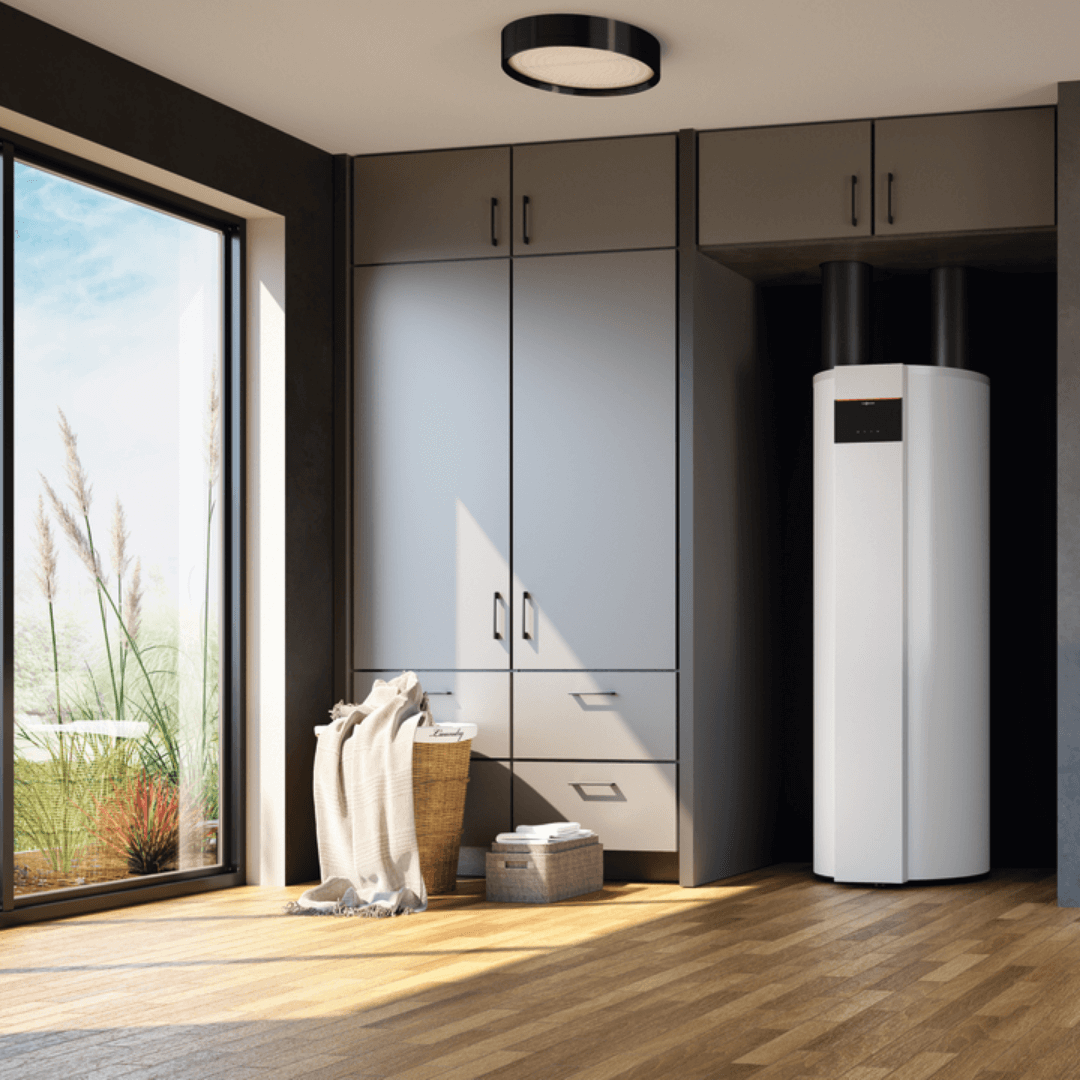
Excess PV energy is converted into thermal energy and buffered in storage tanks - for example for hot water or heating support.
Self-learning algorithm included:
The algorithm continuously adapts the control system to your actual setup. It factors in variables such as outdoor temperature, cylinder temperature and appliance output. The result: permanently optimised operation – with no need for manual adjustments.
Example:
PV SURPLUS INCREASES: The current cylinder temperature is 57 °C, the maximum is 65 °C. The algorithm recognises that 60 °C can be achieved with the current PV surplus and sets the setpoint temperature accordingly. If the surplus continues to rise, the setpoint temperature is automatically increased to 65 °C. Excess energy above this is used for other prioritised applications (e.g. wallbox).
PV SURPLUS FALLS: The cylinder temperature rises to 61 °C, the PV surplus decreases. The setpoint temperature is automatically adjusted to 63 °C - always in line with the current generation.
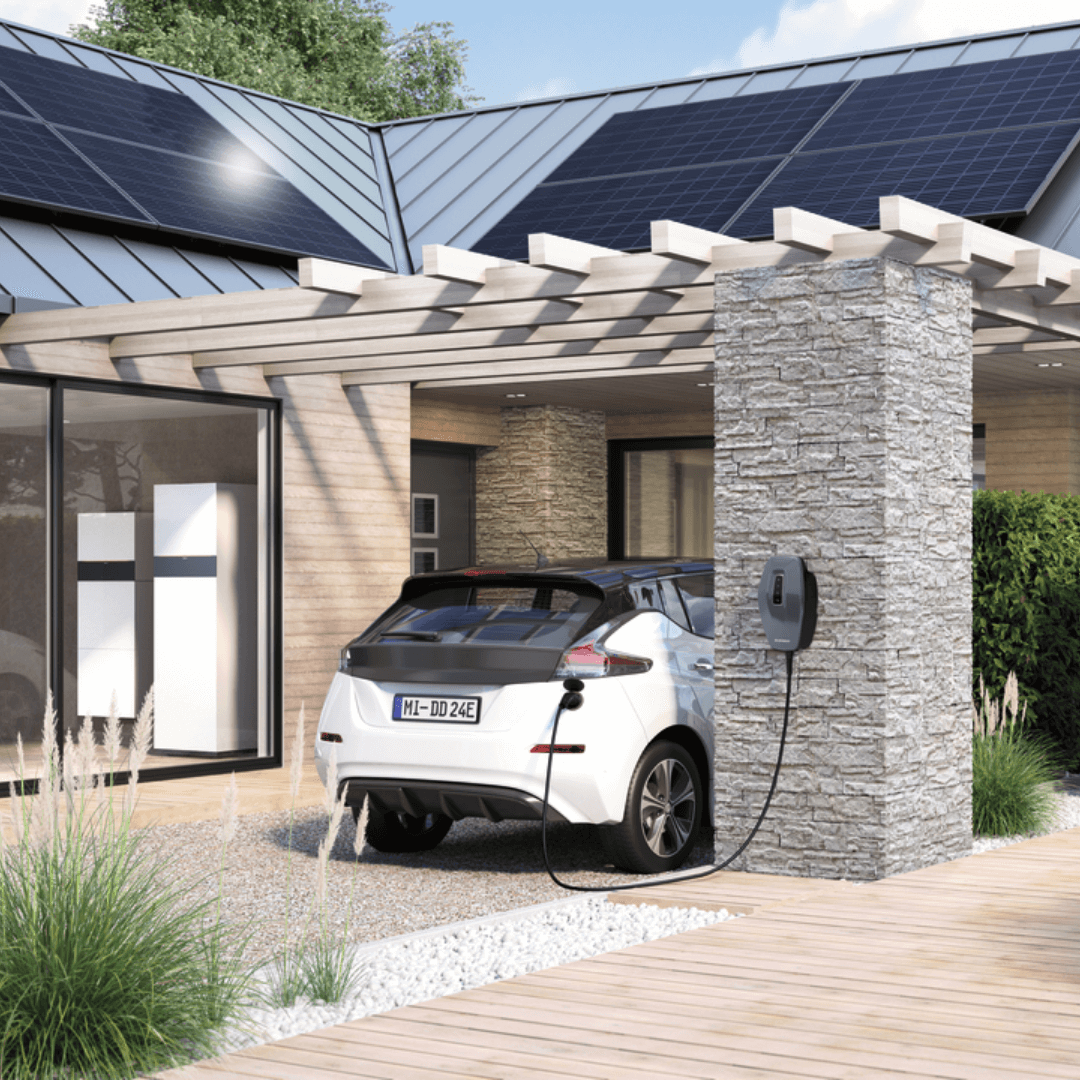
Case examples: Charging EV efficiently
wallbox
With the wibutler-App, you can also control your wallbox - PV-optimised and flexibly adjustable. Your electric car thus becomes an integral part of your energy management.
CHARGING MODES AT A GLANCE:
- Fast charging: charging with maximum current, immediately
- Surplus charge: Exclusively with PV surplus
- Hybrid surplus charging: combination of PV electricity and limited grid supply
- Hybrid surplus charging according to schedule: Define departure times and desired charging states
- Hybrid surplus charging until time: Reach charging target by a fixed time
Easy automation
smart Rules
With the wibutler-App, you can easily automate your smart home – no external programming needed.
Time rules:Heating times, blinds, lighting and presence can be easily controlled according to a schedule.
If/then rules:Reactions to events: e.g. light on when there is movement or blinds up when there is wind.
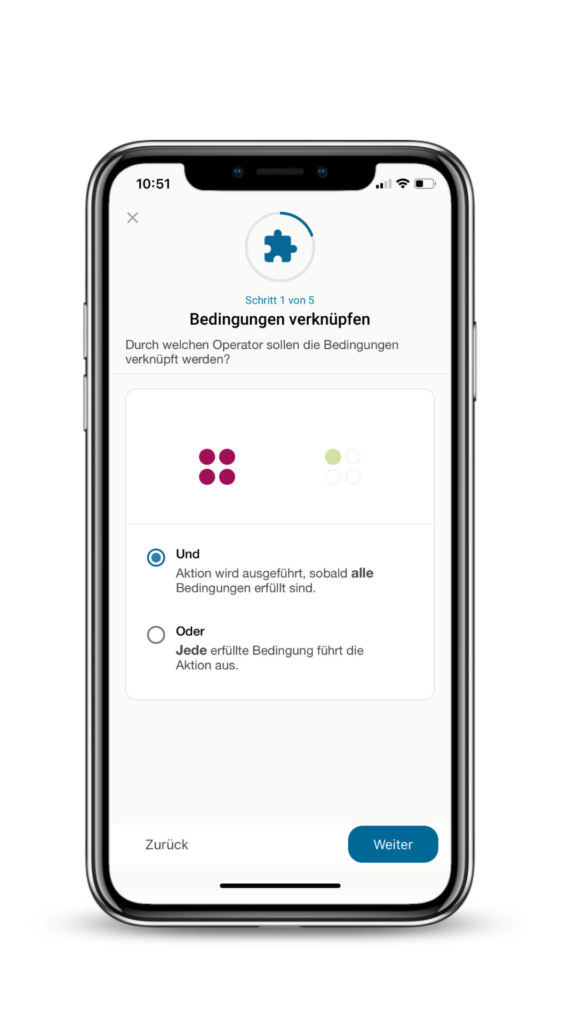
Advanced rules:Combine up to five if-/-or conditions for complex scenarios relating to energy, comfort or security.
Alarm function:Linked to wibutler profiles for on the move & at home. With virtual lock - easy to use, reliable in an emergency.
wibutler profiles: Switch everything quickly with a single click
Whether it’s day or night, at home or on the go – with our four profiles you can control your entire home at the touch of a button:
- At home/day
- At home/at night
- On the road
- Holidays
Each device and each rule can be individually assigned to a profile. This saves clicks - and ensures safety and convenience in every situation. Want to know more about setting up profiles? Visit our Help Centre .
user roles: Clearly defined rights and responsibilities
So that everyone can do what they should – and nothing they shouldn’t.
- Admin user: Full access to all functions and devices. Ideal for main household use.
- Standard user: Access to lights, shutters etc. - but without configuration rights. Perfect for children or guests.
- Service user: This is used by smart technicians to teach in and configure systems. Devices and rules set by the service user are specially protected.
Want to know more about setting up profiles? Visit our Help Centre .
Shop: wibutler Product highlights
Start now:
buy wibutler!
Simple integration of leading manufacturers with one app starts in our shop. Find compatible devices here!
